Your co-pilot for Reels and Shorts.
Upload your clips and say what you want. VizoPilot edits the video, then lets you point at any moment to change it.

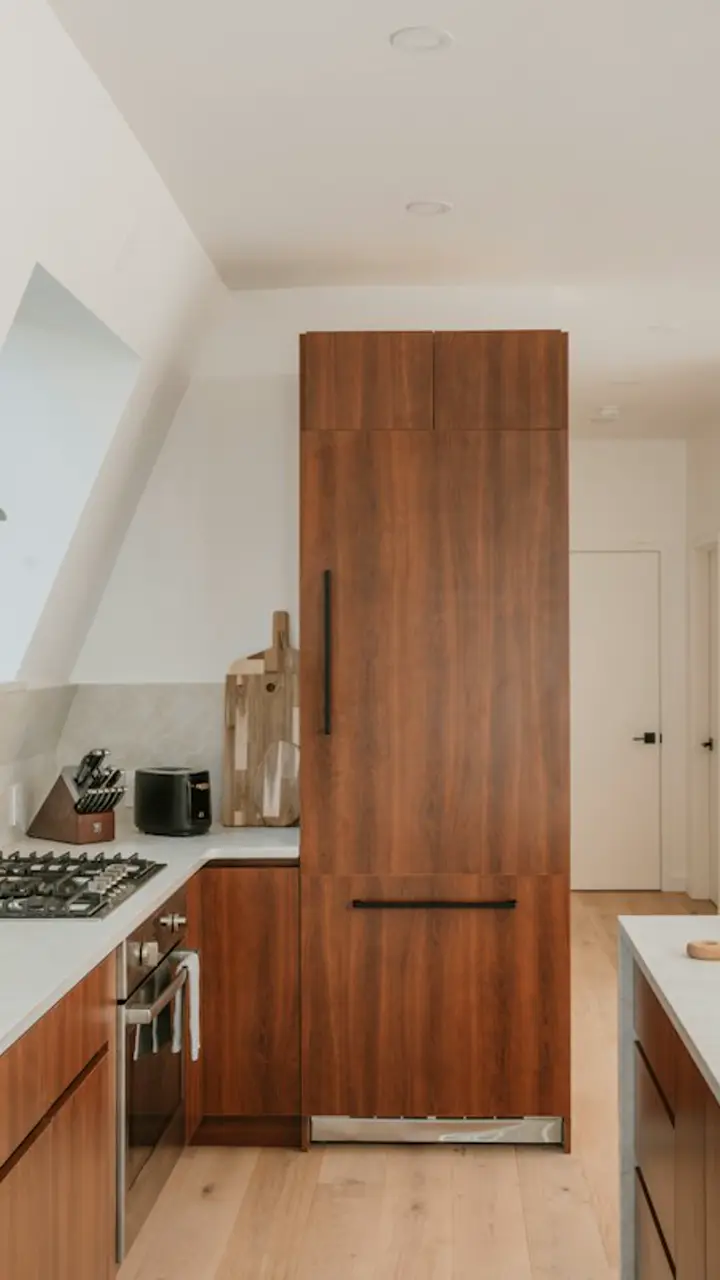
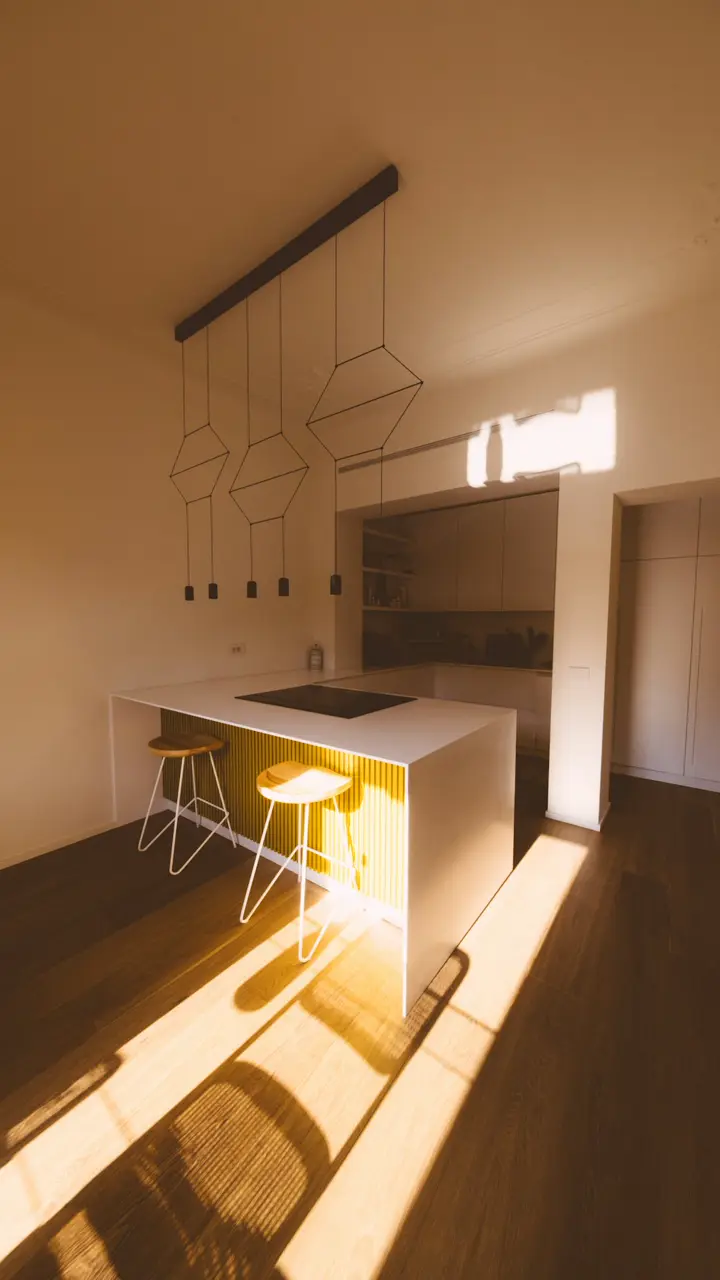
Just listed
Chef's kitchen
kitchen and morning
Edit by talking. Fix by pointing.
- Describe the whole video
Say what you're making and who it's for. VizoPilot watches every clip, picks the best moments, cuts them in order and adds titles, transitions and captions.
“Punchy 30-second cut with a big hook and bold captions”
- Point at one moment
Click anywhere on the timeline and ask for a change right there. The rest of your edit stays exactly as it was.
“At 0:07, add a callout that says Chef's kitchen”
- Fine-tune it yourself
Trim a shot, swap a transition, move a title or turn captions off for one shot, with a click. Undo anything, including the AI.
- Crossfade
- Punch in
- Captions on
- Trim end
Made for what you post
VizoPilot knows what a good listing tour, podcast clip or product ad looks like, and edits yours that way.
JUST LISTED
4 BEDS · 3 BATHS
Real estate
Listing videos that sell the home for you.
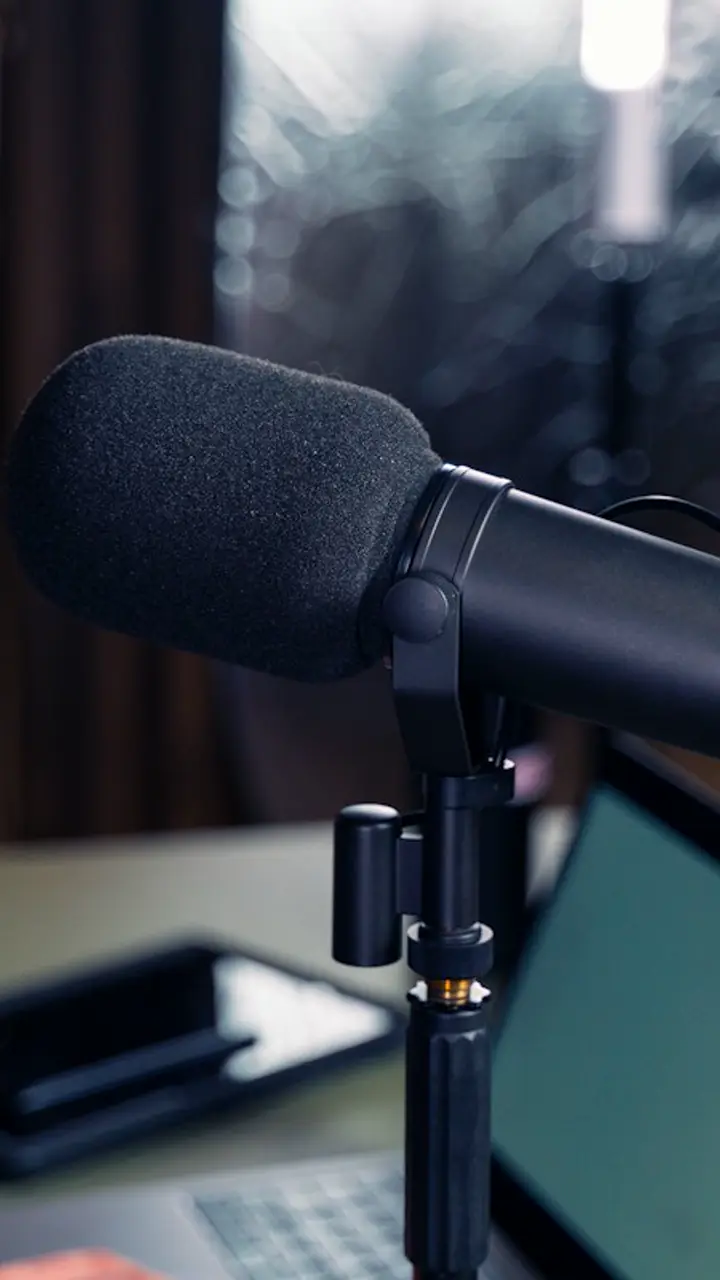
HE SAID WHAT?
THIS CHANGED EVERYTHING
Podcasts
Turn every episode into a week of shorts.
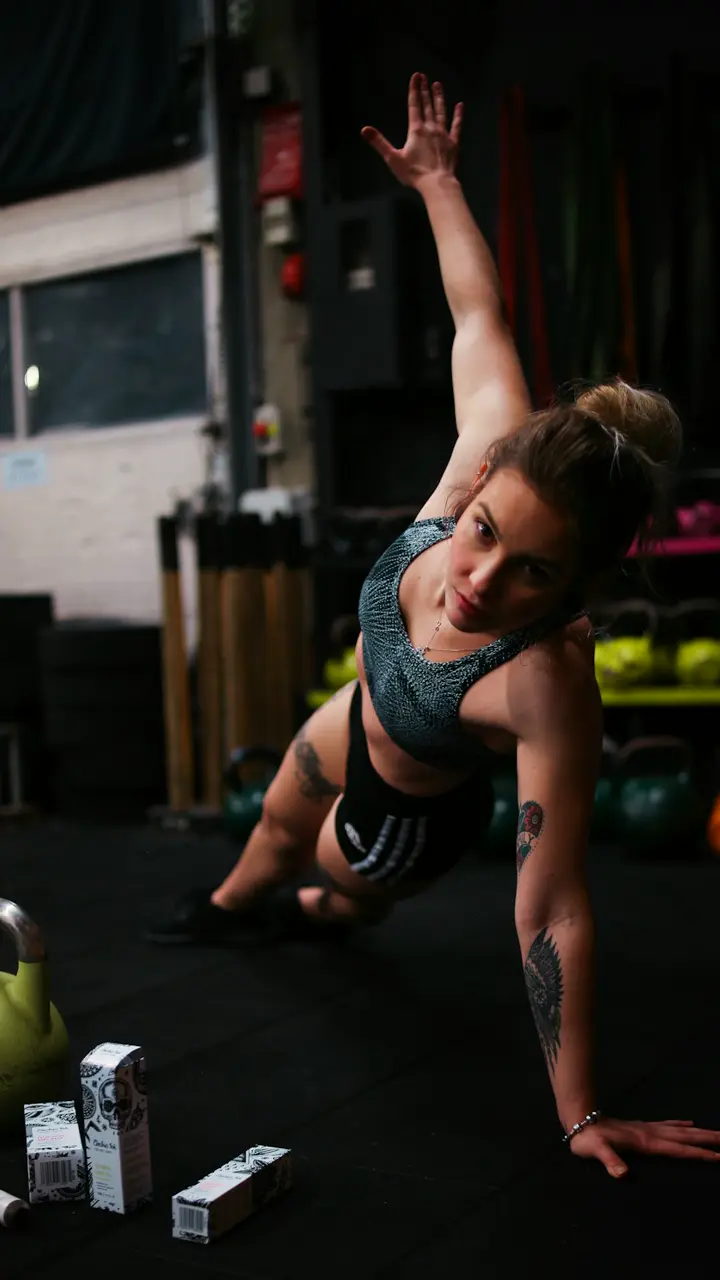
3 MOVES FOR ABS
KEEP YOUR CORE TIGHT
Fitness
Workout videos that keep people watching.
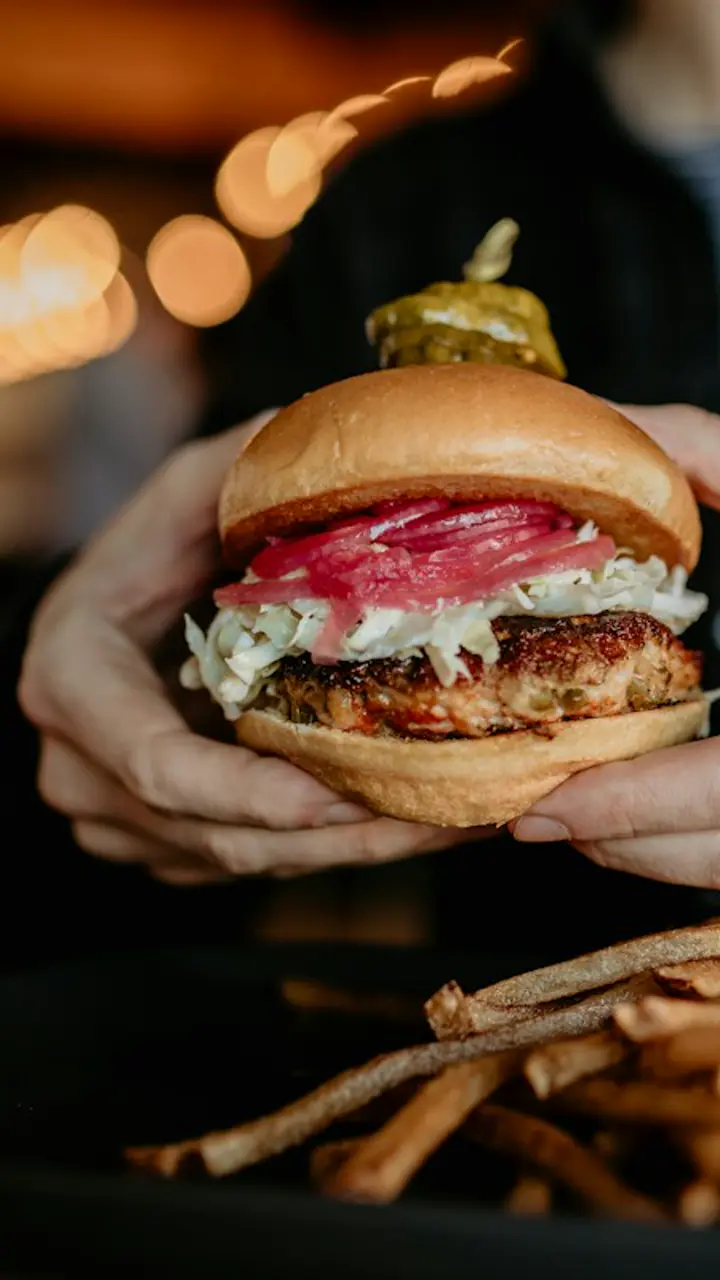
NEW ON THE MENU
SMASH BURGER · $14
Restaurants
Make people hungry in 15 seconds.
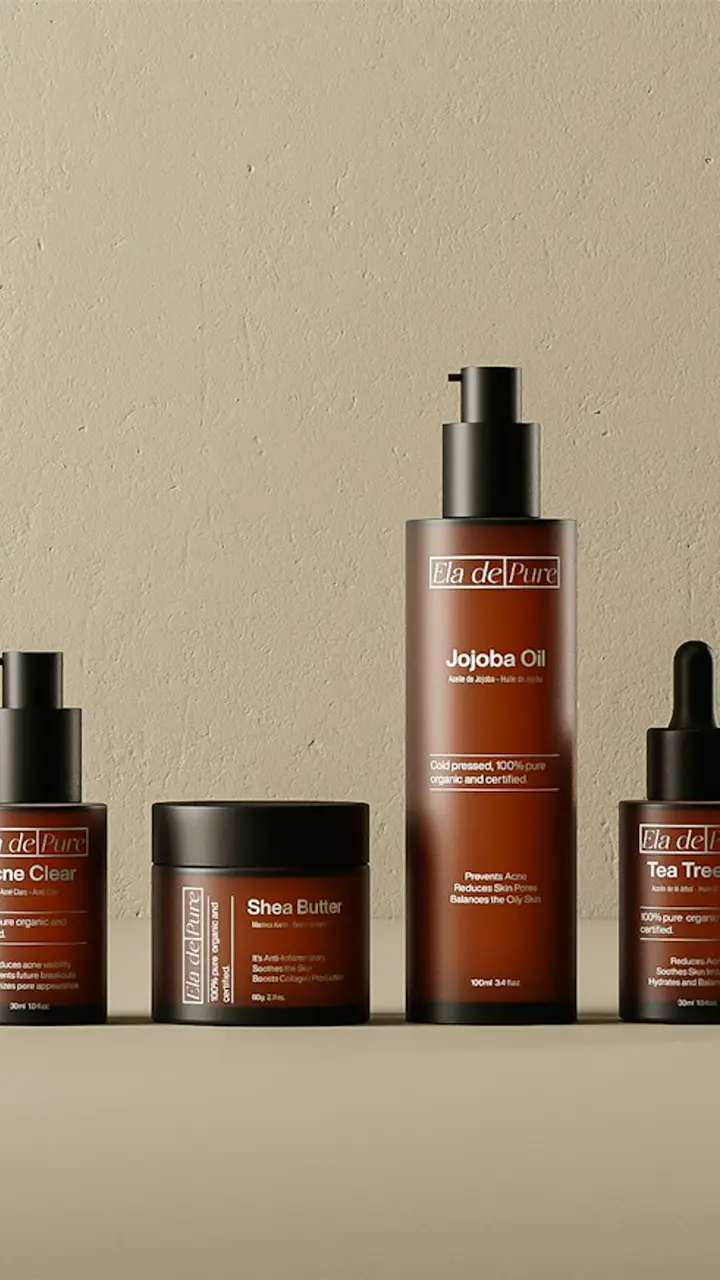
YOU NEED THIS
FREE SHIPPING TODAY
Online stores
Product videos that turn scrollers into buyers.
Pricing
Try one AI edit free, no card needed. Pick a plan when you're ready to download your video.
Creator
Most popularFor posting a few times a week.
$32a month, billed $384 yearly (save 20%)
100 AI edits a month
- Unlimited timeline edits
- 1080p MP4 downloads, no watermark
- 17 caption styles, titles and transitions
- Claude Opus and Muse Spark
Pro
For daily posting and small teams.
$79a month, billed $948 yearly (save 20%)
300 AI edits a month
- Everything in Creator
- Fast mode: edits in about half the time
- Your brand colour on titles
- Priority support
Stop editing.
Start posting.
Upload your clips. Your first edit takes about a minute.
Start editing free